Pick T3 Code if you
- would rather talk to your agents in a chat than watch a terminal
- want to run them from your phone, a browser or another machine
- use Cursor, Grok Build or OpenCode as well
- want commits and PRs a button away in the same app
T3 Code runs your agents headless, behind its own chat. In its chat, Codex has no /review or /status, and Claude Code’s status line has nowhere to show. Novadeck runs the real CLIs in real terminals, and brings what each needs from you to one Inbox.
free · open source (GPL) · no account · no telemetry, just an update check · macOS, Windows, Linux
In T3 Code · Each agent’s work comes back in the same chat view: messages, tool calls, a diff per turn. You read one thread at a time, and can switch the agent mid-thread.
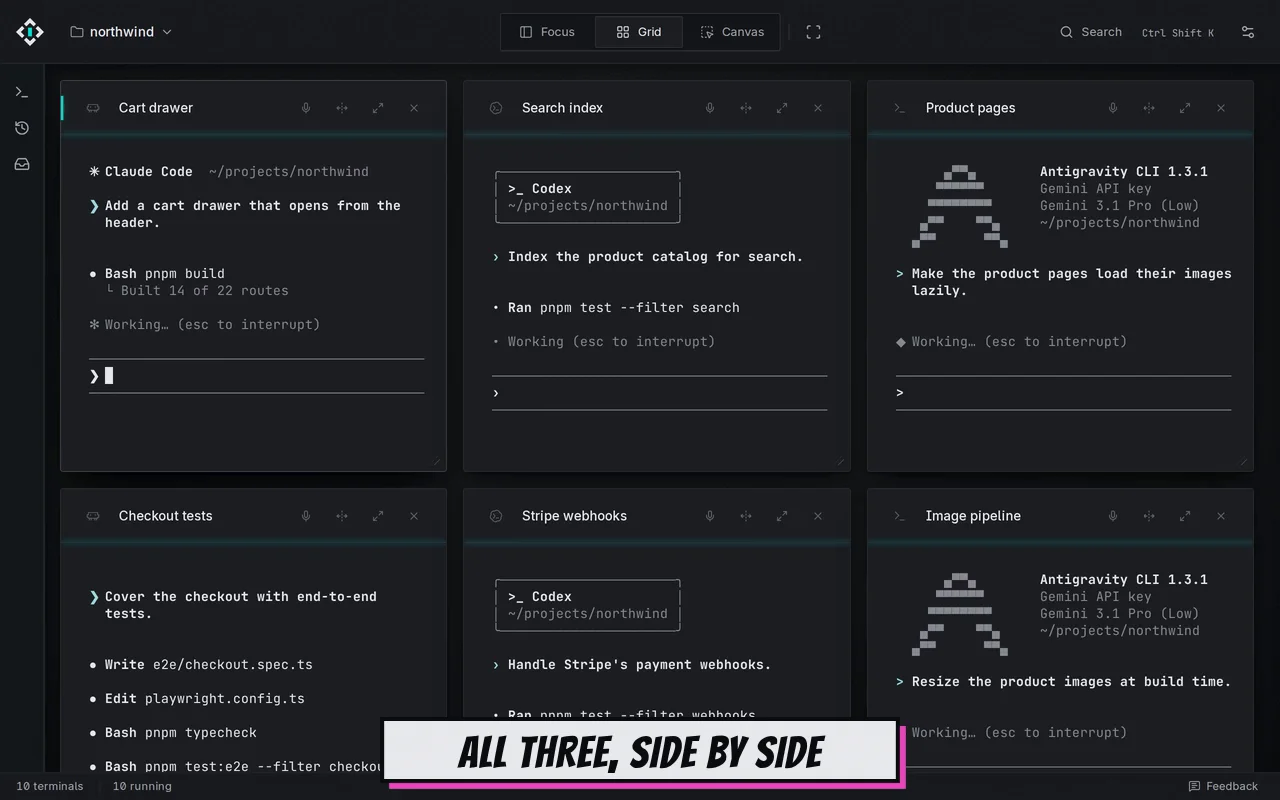
In Novadeck · Each agent runs in its own terminal, with its own status line, menus and commands, including whatever its maker shipped this week. See them all on a grid or a canvas, or focus on one.
In T3 Code · An agent hands work to child threads on any provider, each with a brief and often a role, and waits for their results. The children stay out of the sidebar; you follow them from the parent’s thread or the Agents view, and the parent asks you their questions.
In Novadeck · Claude can open Codex to check its work: Codex starts in its own terminal, joined to Claude’s by a line, and reviews the work before you do. You can read what they said to each other.
In T3 Code · Its thread moves to the top of the sidebar, and you answer in the chat; desktop and phone notifications are there once you switch them on. When it’s done, you go through its diff turn by turn, roll back a turn if you need to, and open a PR with one button.
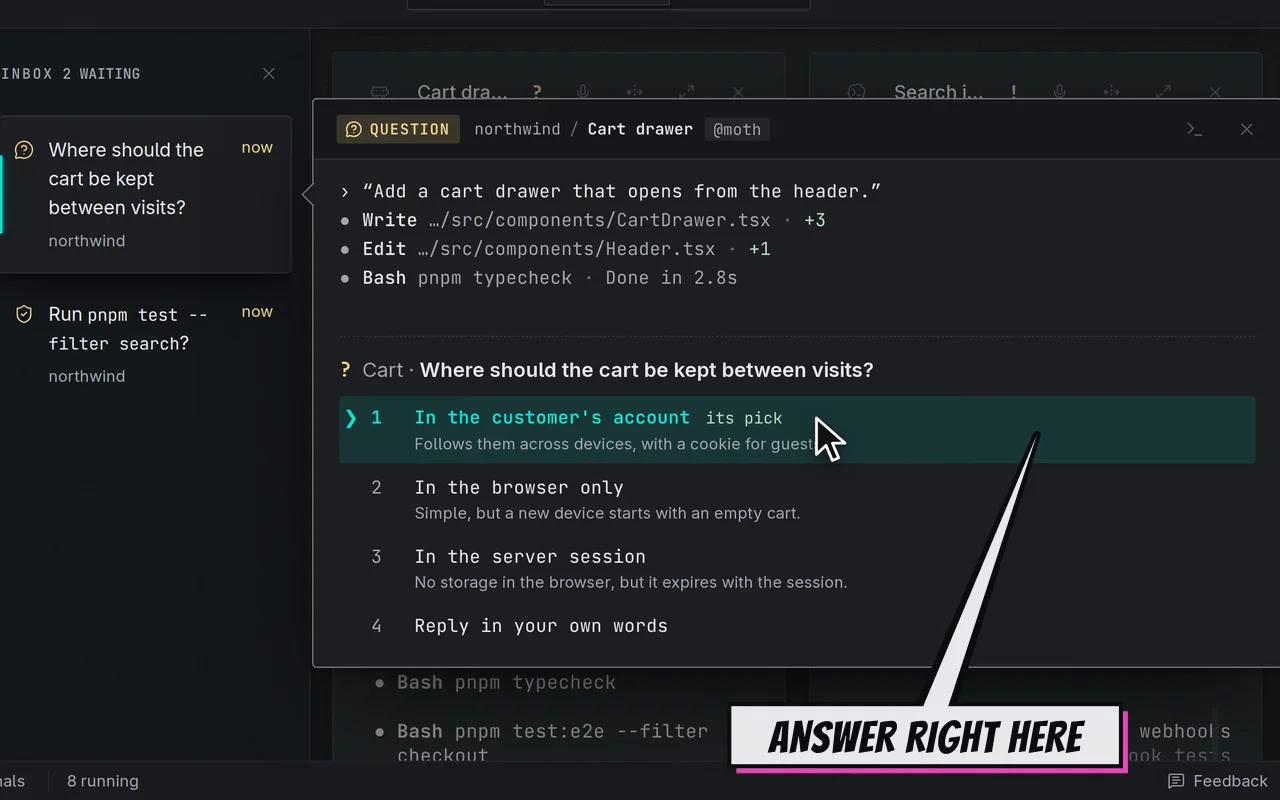
In Novadeck · You get a ping, and its question or command request waits in your Inbox: pick an answer or type your own. When it’s done, its report lands there too, and its diff can open beside its terminal. On full autonomy, command requests stop, but questions and reports still land there.
T3 Code
“Your agents deserve better than a terminal.”— T3 Code, its home page
T3 Code bets on the interface: a well-made chat beats a terminal, and the agent underneath is an engine you can swap. So every agent looks the same on any screen you own, desktop, browser or phone.
Novadeck
Novadeck bets the agents’ makers will keep moving fastest on the agents themselves, so it runs each as it ships, in its own terminal. And it treats them as a team you can see: they’re on screen together, you can read what they say to each other, and their questions come to one place.
Trying Novadeck moves nothing: your agents run in it as they are, on your own plans, with their own settings, and disconnecting one takes Novadeck back off it.
Connecting an agent installs one Novadeck plugin, an MCP server and hooks, with that agent’s own plugin command, and disconnecting uninstalls it. In Antigravity, Novadeck shows its own status line before yours (on Windows, if you have your own, it’s left alone), and disconnecting puts yours back.
Checked against T3 Code v0.1.2 on 26 October 2026. Something out of date? Tell us on GitHub.